> ## Documentation Index
> Fetch the complete documentation index at: https://docs.witting.ai/llms.txt
> Use this file to discover all available pages before exploring further.
# Participant Invites
> How to add candidates to a Vocalis meeting. Enter participant details during the meeting wizard and Vocalis sends the invite automatically.
Participants are the candidates (or other people) your AI Actor will interview. You add them during the **Select Participants** step of the meeting wizard.
## Adding a participant
In the Select Participants step, enter:
* **For Google Meet** — Candidate's name and email address. Vocalis sends them a calendar invite with the Google Meet link.
* **For Phone Call** — Candidate's name and phone number. Vocalis calls them at the scheduled time.
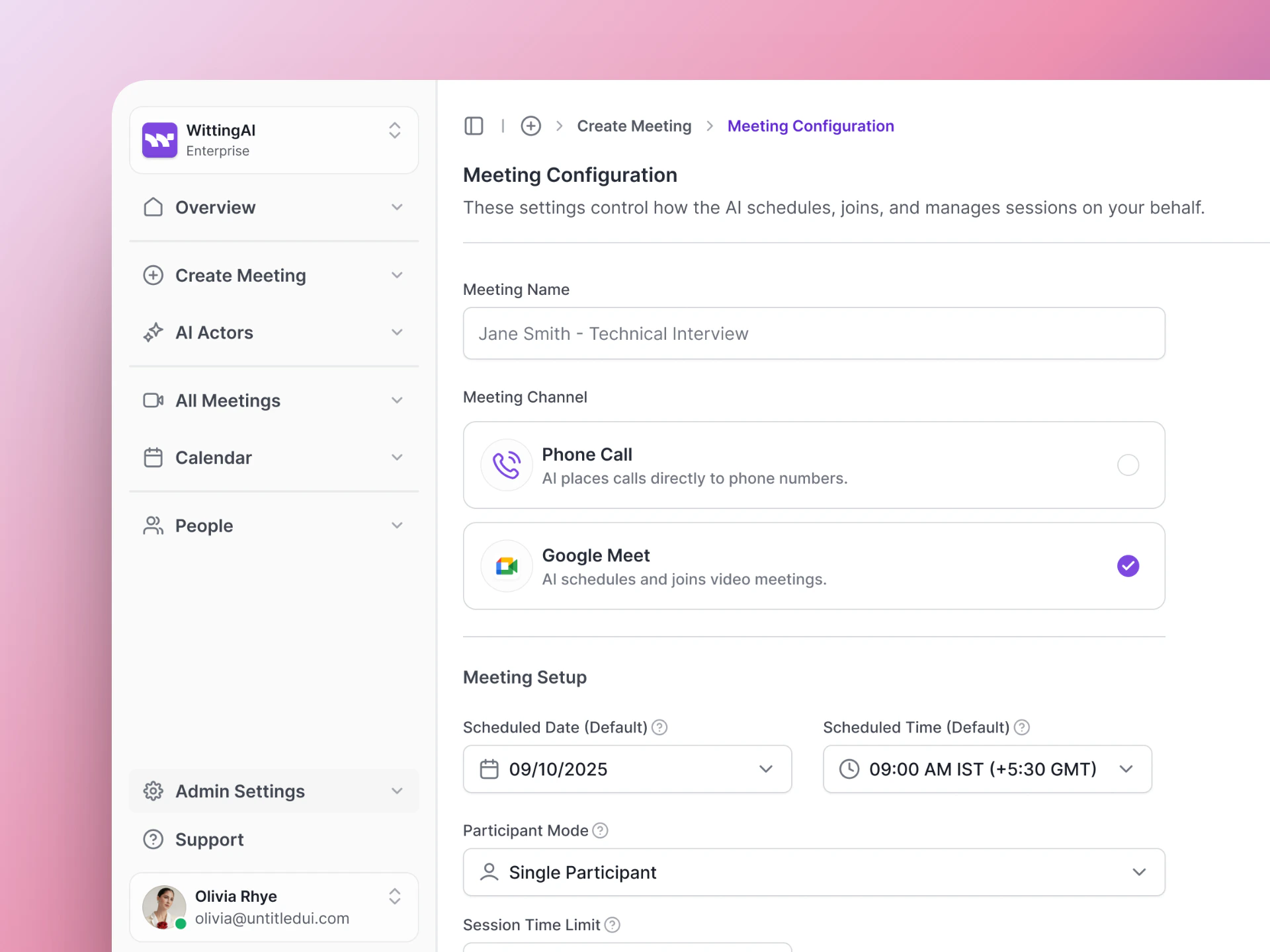 Click **Schedule** to finalize the meeting. Vocalis sends the invites automatically.
## What the candidate receives
| Channel | What they get |
| --------------- | -------------------------------------------------------------------------------------------------------------------------------- |
| **Google Meet** | A calendar invite with a Google Meet link. They click the link at the scheduled time and the AI Actor is already in the meeting. |
| **Phone Call** | A phone call from the Vocalis number at the scheduled time. The AI Actor introduces itself and begins the interview. |
## Tips
* **Double-check contact details** — A typo in the email or phone number means the candidate won't receive the invite.
* **Use the candidate's preferred name** — The AI Actor can greet them by name if it is included in the Purpose.
* **Schedule at a convenient time** — Candidates are more engaged when the interview is at a time that works for them.
## Next steps
See the full meeting setup flow.
Review results after the interview.
Click **Schedule** to finalize the meeting. Vocalis sends the invites automatically.
## What the candidate receives
| Channel | What they get |
| --------------- | -------------------------------------------------------------------------------------------------------------------------------- |
| **Google Meet** | A calendar invite with a Google Meet link. They click the link at the scheduled time and the AI Actor is already in the meeting. |
| **Phone Call** | A phone call from the Vocalis number at the scheduled time. The AI Actor introduces itself and begins the interview. |
## Tips
* **Double-check contact details** — A typo in the email or phone number means the candidate won't receive the invite.
* **Use the candidate's preferred name** — The AI Actor can greet them by name if it is included in the Purpose.
* **Schedule at a convenient time** — Candidates are more engaged when the interview is at a time that works for them.
## Next steps
See the full meeting setup flow.
Review results after the interview.