

AI Actor
An AI Actor is an autonomous AI voice agent that conducts conversations on your behalf. Each AI Actor is set up for a specific type of conversation — a technical interview, a culture fit assessment, a reference check, or anything that follows a structured pattern. When you open AI Actors in the sidebar, you see your library of all configured agents. Business users create AI Actors in plain English. No developers, no code, no flow builders.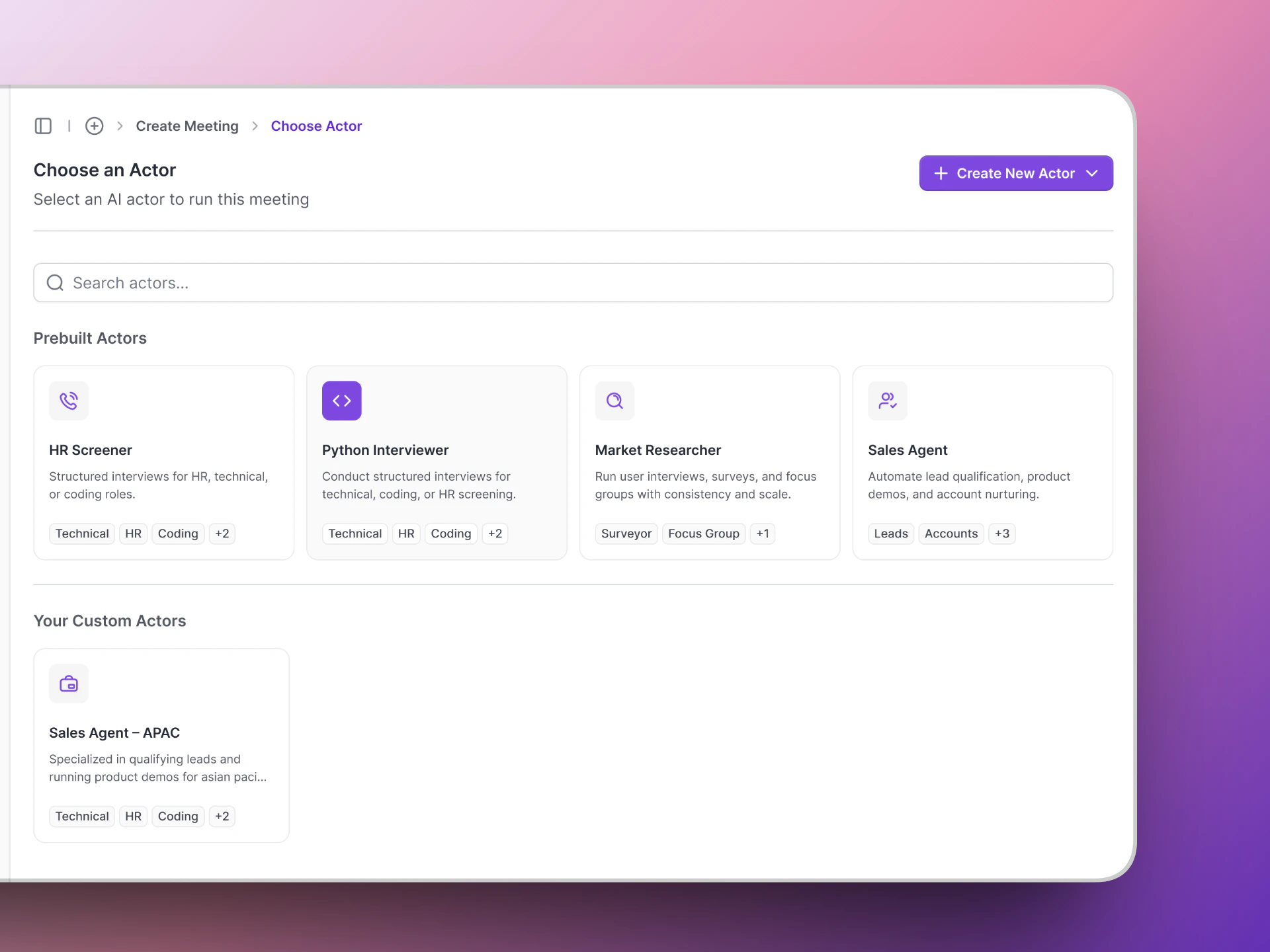
The AI Actors page shows all your AI agents as cards.
You can create multiple AI Actors for different conversation types — interview stages, sales calls, feedback sessions, or any structured conversation at scale.
Variant
A Variant is a modified version of an existing AI Actor. Think of it as a copy with tweaks — for example, the same screening questions but with a more formal tone, or a different language. Variants save you time when you need slight variations of the same interview. Instead of building a new AI Actor from scratch, you create a variant from the original. When creating a meeting, the Choose Variant step lets you pick which version of the AI Actor to use.Meeting
A Meeting is a scheduled interview session between a candidate and an AI Actor. When you create a meeting, Vocalis:- Sets up the call — either a Google Meet link or a phone call.
- Schedules the AI Actor to join at the right time.
- Tracks the meeting through its lifecycle (scheduled → in progress → completed).
Meeting Channel
The Meeting Channel is how the interview is delivered. Vocalis supports two channels:
You choose the meeting channel when creating a meeting.
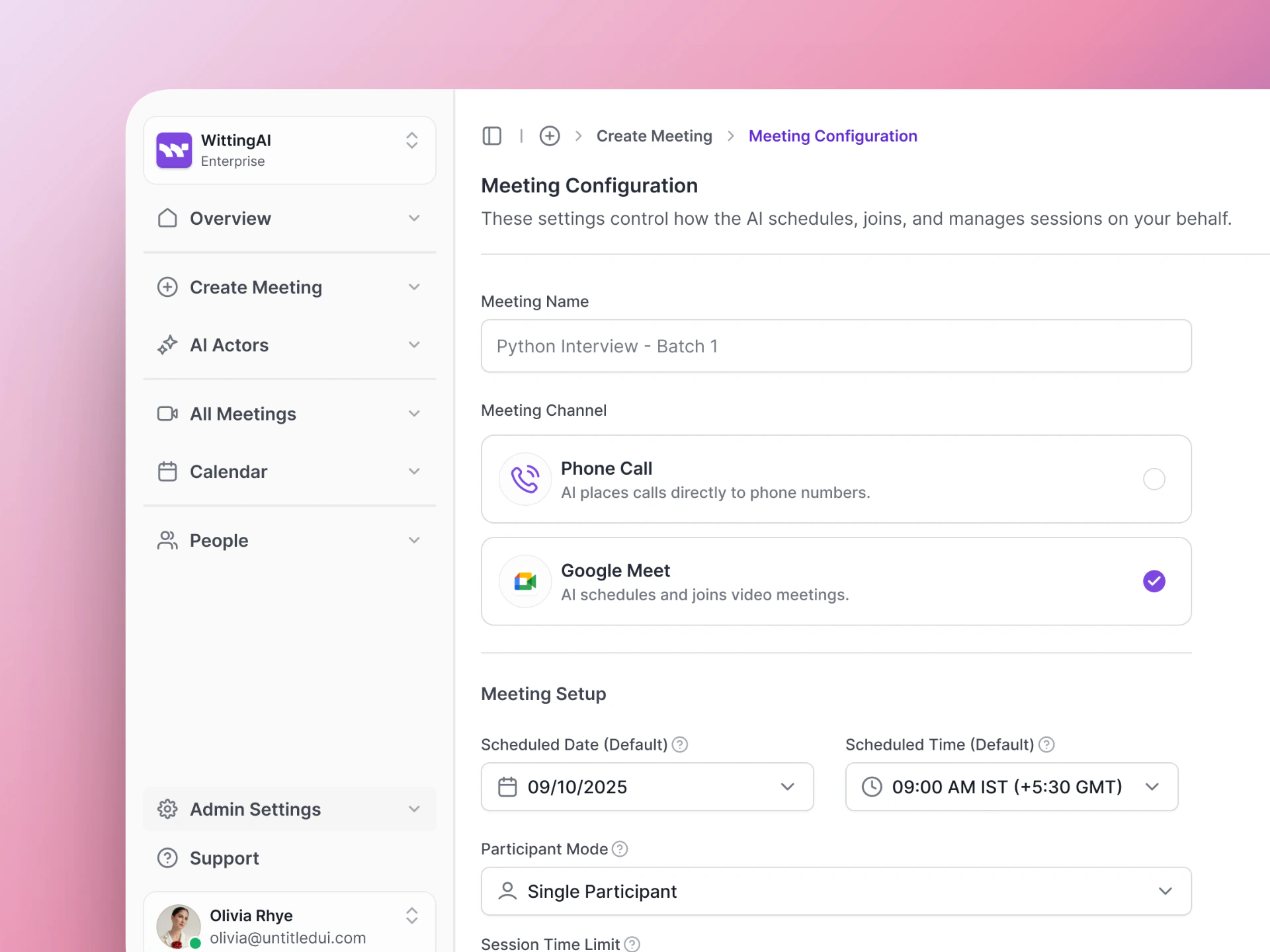
Choose between Google Meet and Phone Call as your meeting channel.
Insights
Insights are the structured data points that Vocalis extracts from each conversation. Instead of just giving you a raw transcript, the AI Actor pulls out the specific information you care about. Examples of insights:
Insights turn unstructured conversation into clear, comparable, decision-ready data. You define exactly what to extract, and every conversation produces consistent, structured output — not generic summaries.
Client
A Client is your organization in Vocalis. Your client account holds all your AI Actors, meetings, users, and settings. Each client configures their own integrations (Google Workspace, Twilio, OpenAI).User
A User is someone on your team who has access to the Vocalis dashboard. Users can create AI Actors, set up meetings, and review interview results.Participant
A Participant is the person in the conversation — a job candidate, a lead, a reference, or anyone the AI Actor is talking to. When you create a meeting, you add participants in the Select Participants step.Next steps
Quick Start
Put these concepts into practice.
HR Use Cases
See how these concepts apply to hiring.