

Adding a participant
In the Select Participants step, enter:- For Google Meet — Candidate’s name and email address. Vocalis sends them a calendar invite with the Google Meet link.
- For Phone Call — Candidate’s name and phone number. Vocalis calls them at the scheduled time.
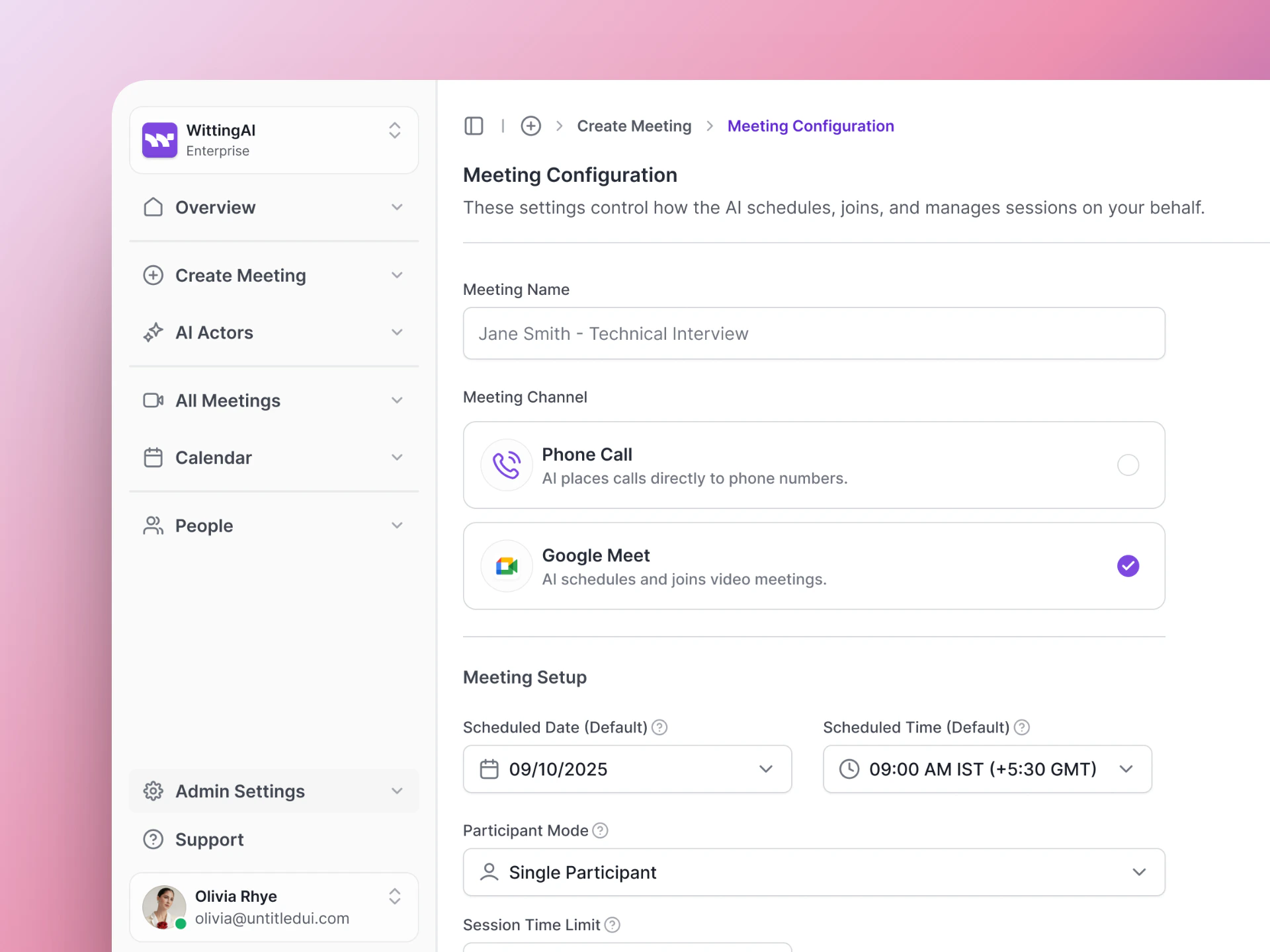
Add participants — name and contact details.
What the candidate receives
Tips
- Double-check contact details — A typo in the email or phone number means the candidate won’t receive the invite.
- Use the candidate’s preferred name — The AI Actor can greet them by name if it is included in the Purpose.
- Schedule at a convenient time — Candidates are more engaged when the interview is at a time that works for them.
Next steps
Schedule Meetings
See the full meeting setup flow.
Meeting Results
Review results after the interview.